

Shift management
Know who worked where, including subcontractors
Your field team starts and ends shifts on their phone. The app records timings, breaks and location, and the back office shows you the day as it unfolds.
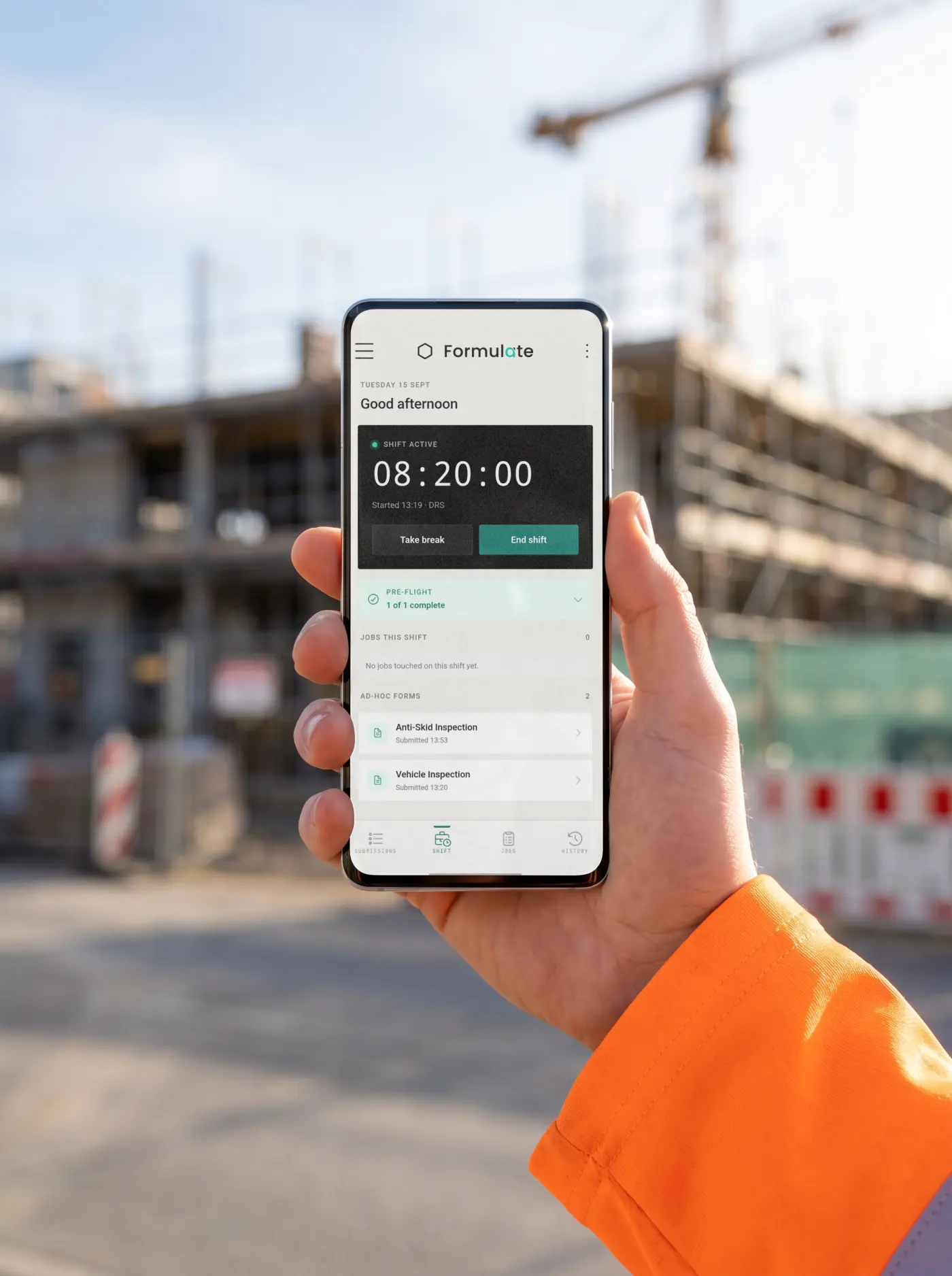
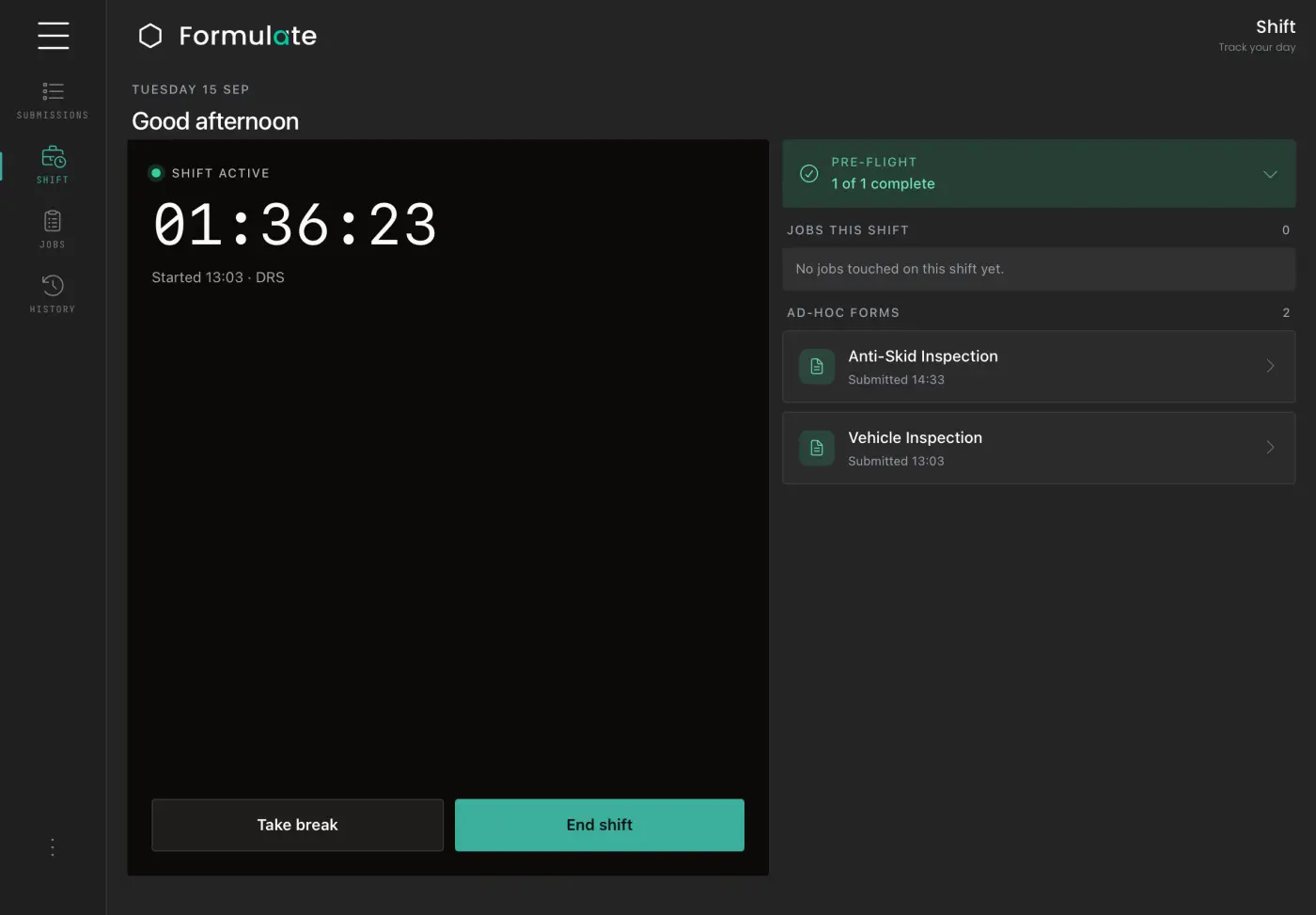
Workers start and end a shift on the phone
Workers start their shift when they arrive and end it when they are done, straight from the app. The phone records breaks, timings and location as they go, so the office sees the hours as the phone recorded them.
- Start and end a shift with a tap, on any phone
- Subcontractors use the same app on their own phones
- Breaks and timings recorded automatically through the shift
- Location captured so you can see where a shift took place
- Work done during the shift recorded against the relevant job
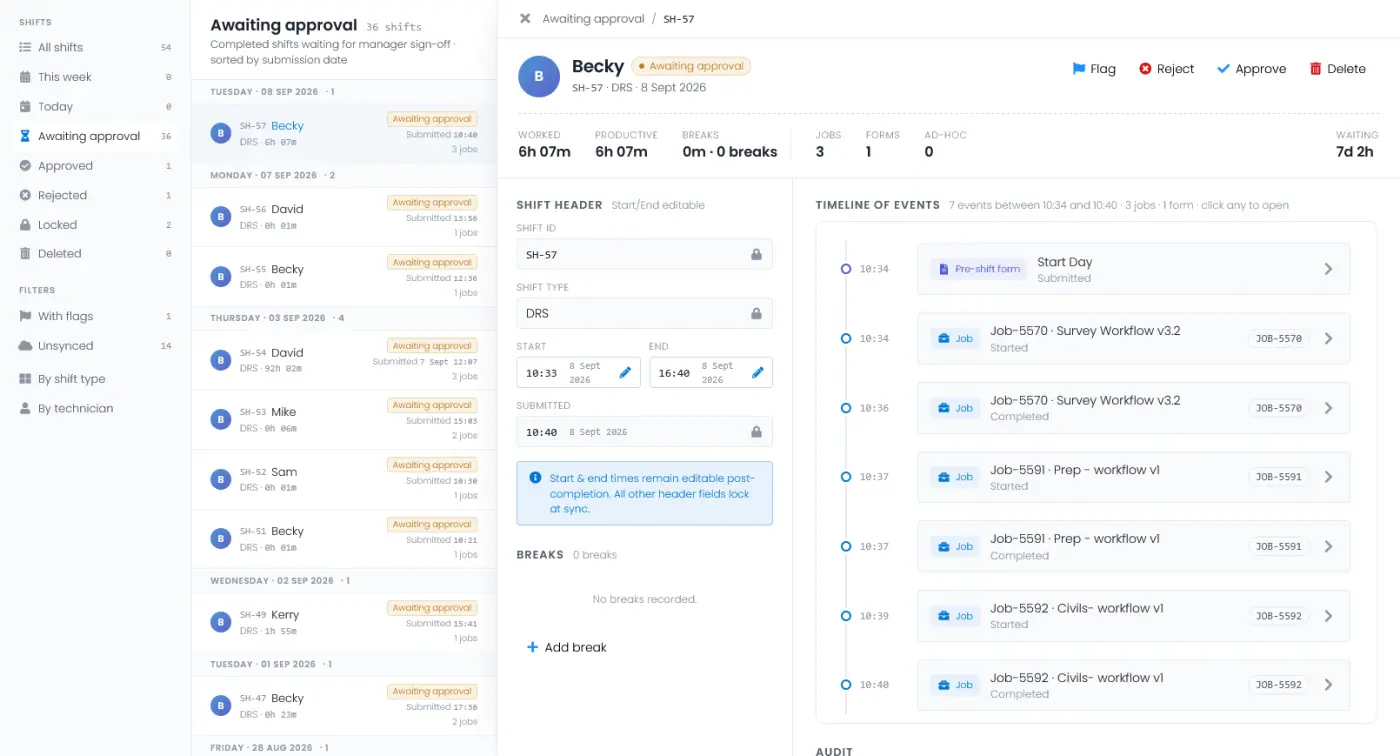
The office corrects what needs correcting
The shift manager in the back office shows you every shift as it comes in. Open one to see its timings, breaks and location, make a correction where something needs adjusting, and keep an accurate record without chasing anyone for the details.
- See active and completed shifts across your team
- Open any shift to review its timings and breaks
- Edit and correct shift records when something needs fixing
- Keep an auditable record of who worked, when and where
Find your shift workers straight away.
-
Who is on shift right now
Stop wondering who is out and where they are. The moment a shift starts, it's on your screen, so you see your team's day as it unfolds rather than piecing it together afterwards.
-
Timesheet and attendance evidence
Shift timings come straight from the field, with breaks and location attached. That gives you a record you can stand behind for payroll, attendance and any question about hours worked, without typing up a single timesheet.
-
Field work linked to jobs
Work done on a shift is recorded against the job it belongs to, so effort and output sit together. You can see not just that someone was on shift, but what the shift was spent on.
See Formulate in action
Let's put your paperwork to work.
Tell us what your team completes on site and what happens next. We'll show you how Formulate can connect the process.